Controller overlayfor your OBS stream
Press any button on your controller
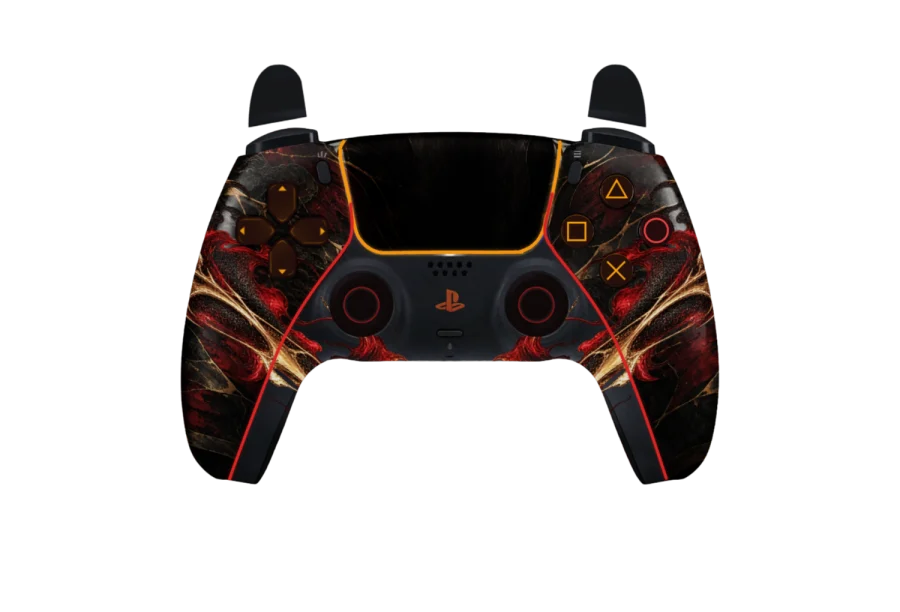
PS5, PS4 and Xbox controllers in camo skins, live in the corner of your stream. Pick one, paste one link into OBS.
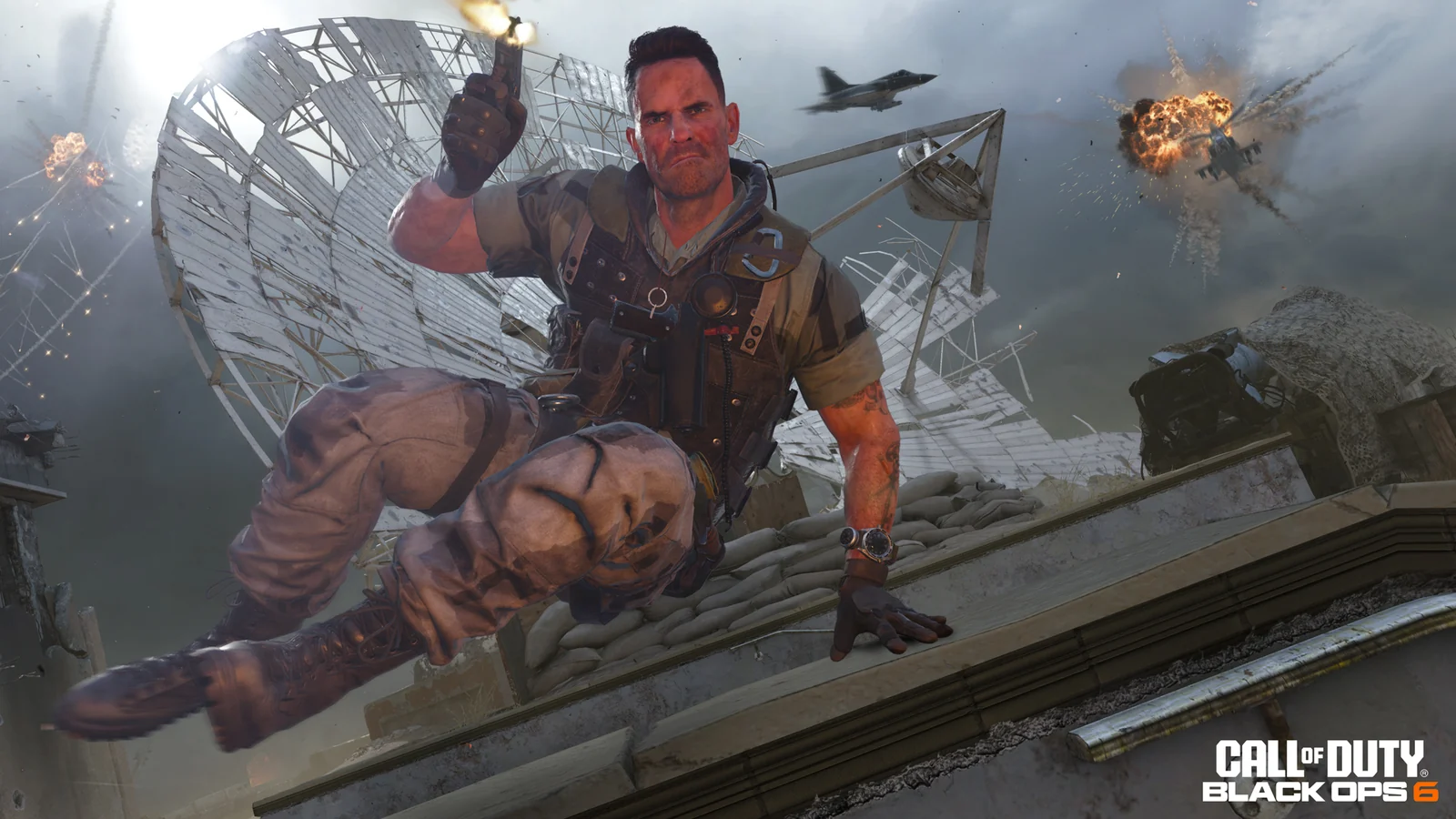
PS5 · Dark Matter · over Black Ops 6 · demo input
Pick your pad, pick your camo
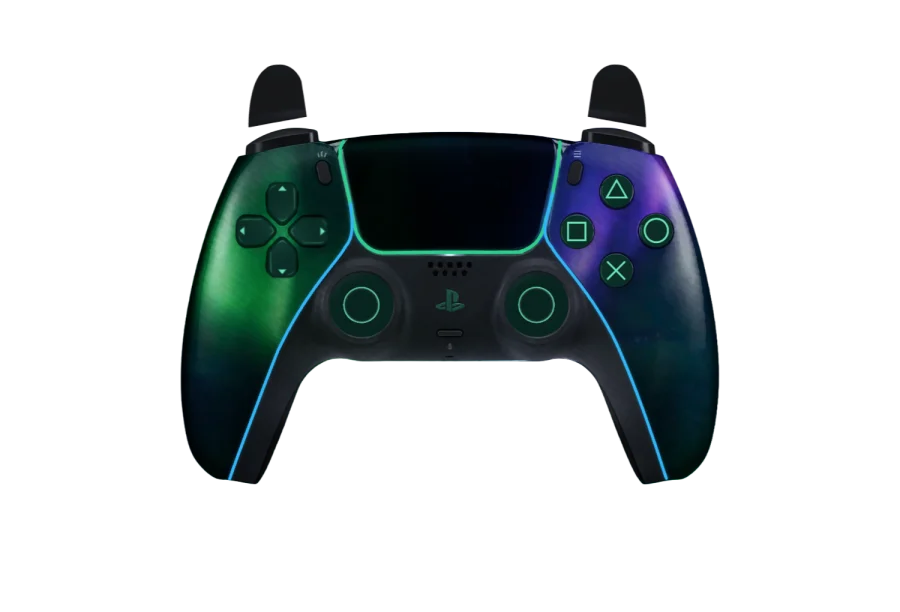
Three controllers, every skin fitted to each one: the PS5 DualSense, the PS4 DualShock 4 and the Xbox controller. Switch pads and the whole roster follows, so the PS5 controller overlay you like also exists as a PS4 and an Xbox controller overlay. Stock looks are free; the rest is the vault.
- StockFree
- Dark MatterVault
- BorealisVault
- OrionVault
- DamascusVault
- AbyssVault
- CrimsonVault
- Phantom WuxiaVault
- Vice NeonVault
Point at a pad to see it play. Every one of these controller overlay skins works on all three controllers.
Make it yours
Pick colours on this page and the controller changes as you go. Older overlay sites have you write or paste CSS to change a colour; here there is nothing to write and nothing to paste. Choose a colour for the face buttons and D-pad, a colour for the lights and how they behave, and the name printed on the touchpad.
Buttons in your colour
Face buttons and the D-pad take the colour you pick. The camo underneath stays as it is.
Lights that match your setup
The light bar and trims glow in one colour. Keep them steady, let them pulse, or switch them off.
Your name on the touchpad
Up to 16 characters, set in the pad's own lettering. Use your channel name or your handle.
Keep it and get your OBS link
Saving and the link need a free account. Your choices come with you when you sign in.
Save and get my linkInto OBS in four moves
First add a Browser Source.
Then paste your link.
Set it to 800 × 600.
Then play.
One link, set once
Your overlay link is permanent. Change the skin, the colours or your name on the site and OBS picks it up within about 12 seconds, with no re-paste and no refresh. One link runs one stream at a time: open it somewhere new and the old copy stops, and refreshing the browser source takes it back.
Wired or Bluetooth
Plug your controller in over USB or pair it over Bluetooth. The site reads it through the browser Gamepad API once you press a button. Sony pads over Bluetooth often report their buttons in a non-standard order in browsers; the common cases are fixed automatically, and the calibrator remaps the rest in 10 presses: the four face buttons, L1/LB, R1/RB and the four D-pad directions.
Over any game
The background is transparent, so only the controller sits over your game. It works in any app that has a browser source, including OBS Studio, Streamlabs and TikTok LIVE Studio. Move it to whichever corner your HUD leaves free. Pick the PS5, PS4 or Xbox controller overlay that matches the pad in your hands, and every press you make shows up on stream as you play.
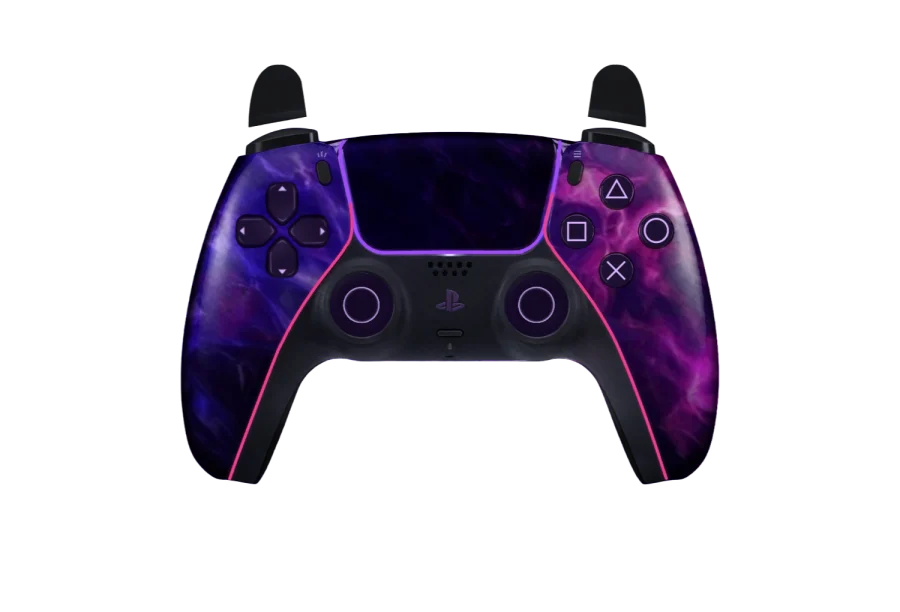

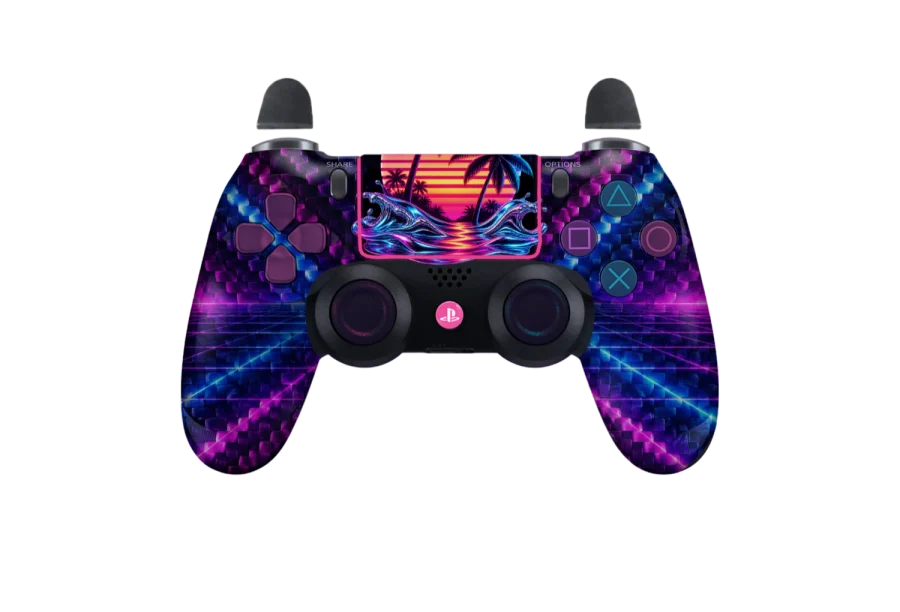
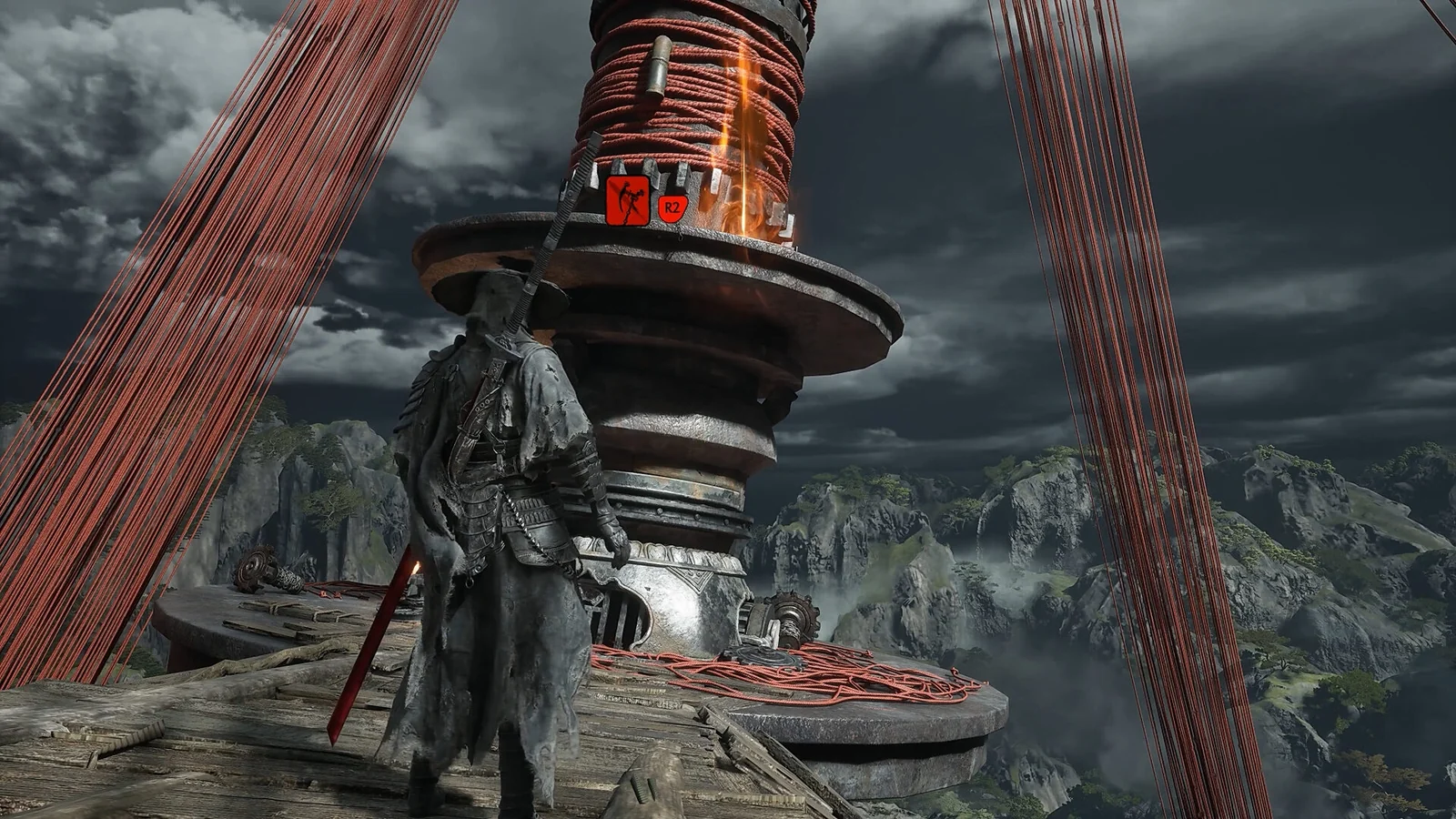
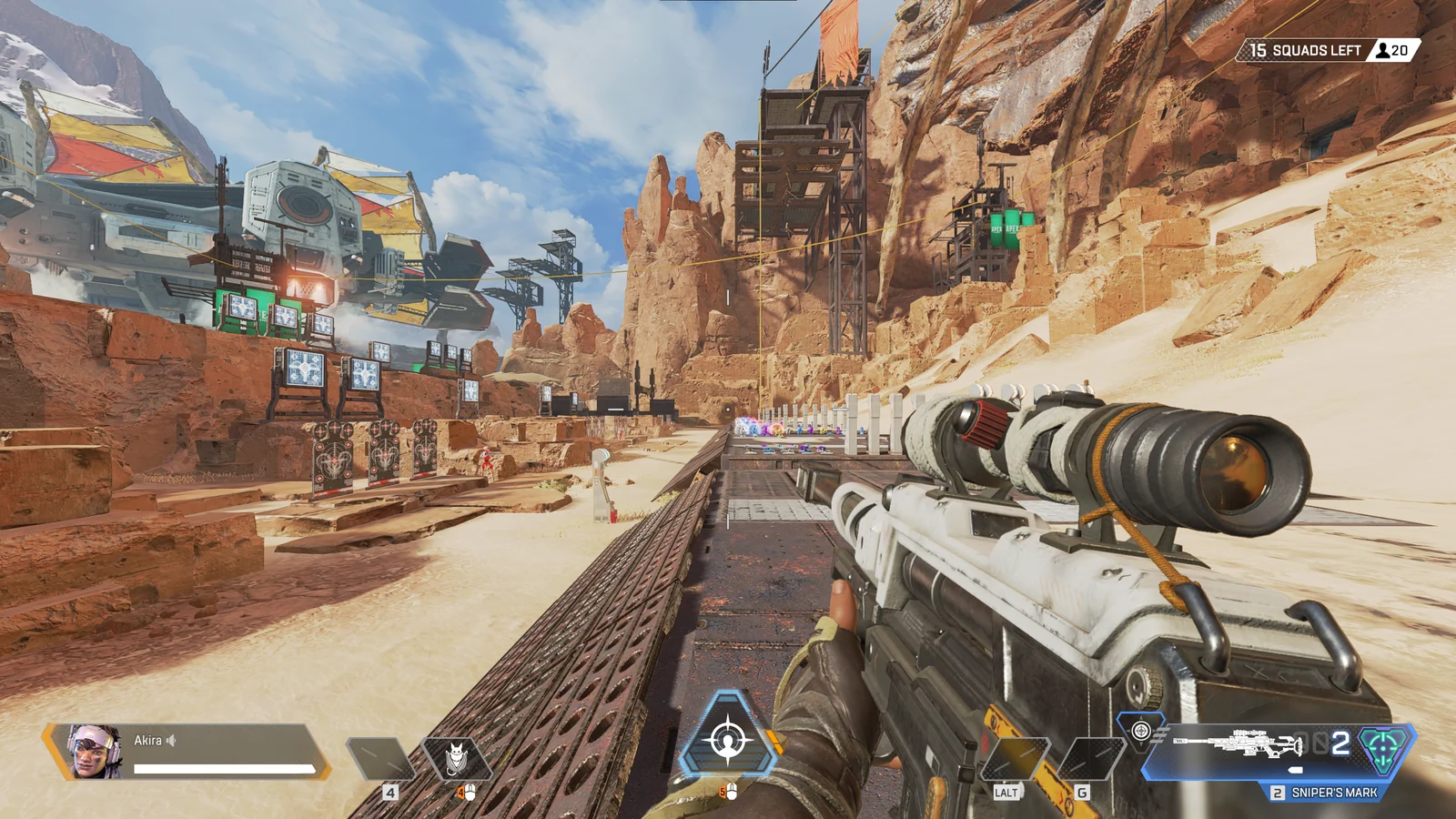
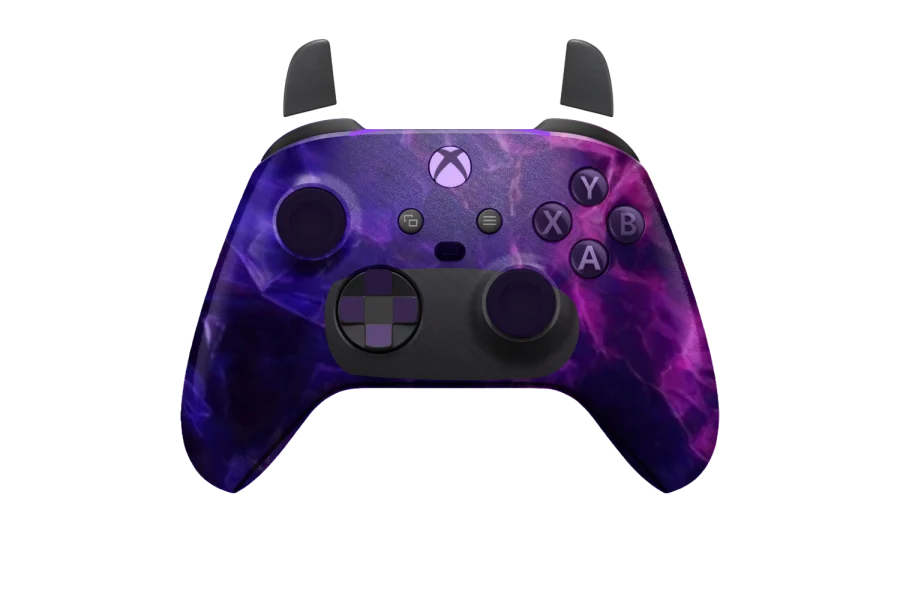
Example scenes made with the overlay. Game footage belongs to its publishers.
Pay once
A free account gets you the stock PS5, PS4 and Xbox looks, your permanent OBS link and the Bluetooth fix. The vault is a one-time $9.99, not a subscription, and opens everything else for good. Saving a design, copying your link and using a vault skin all need you to sign in.
$9.99once
- Every camo in the vault, on PS5, PS4 and Xbox
- Button, light and name colours
- Your permanent OBS link
- The Bluetooth button fix
Questions
In OBS, add a Browser Source to your scene and paste your overlay link into the URL field. Set the width to 800 and the height to 600. The background is transparent, so only the controller shows over your game.