Joystick tester
Connect a controller and press any button. Both sticks are plotted live, with their X and Y values, a deadzone ring, the range they reach and their circularity error.
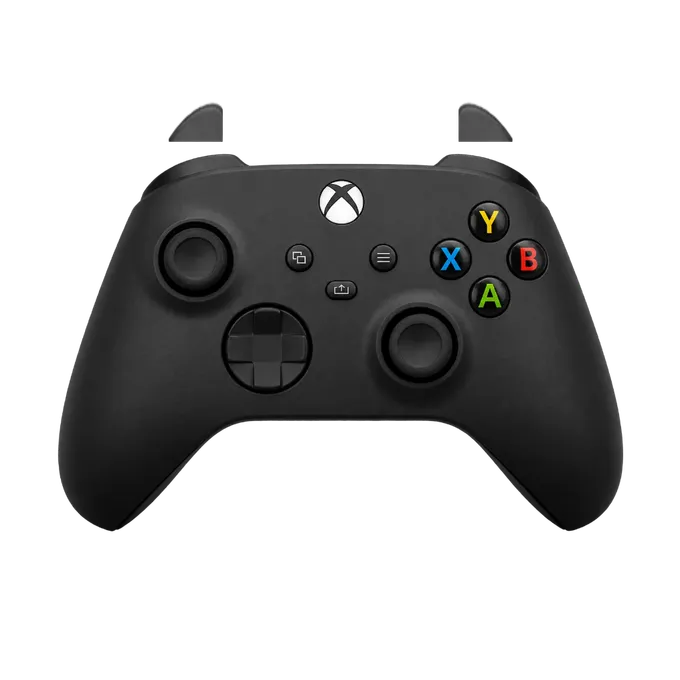
Press any button on your controller
Connect it by USB or Bluetooth first. A browser shows a controller to a page only after a button has been pressed.
What this joystick tester measures
A browser reports each stick as two numbers between -1 and 1, one for left-right and one for up-down. This page shows them as they arrive and draws what follows from them:
- X, Y: the two raw values, to three decimals.
- Off centre: the distance of the dot from the middle, as a share of full travel. With your thumb off the stick, this is its resting offset.
- Deadzone ring: a dashed ring at 5%, 10% or 15%. It turns orange when the dot is outside it.
- Range: the orange shape is the farthest the stick has reached in each direction.
- Circularity error: how far that shape is from a circle of full travel, once you have rotated the stick all the way round.
- Stick click: the dot turns orange while the stick is pressed in.
How to test a joystick
Four checks, each a few seconds.
- Centre. Let go and read “Off centre”. A few percent is normal.
- Return. Flick the stick in several directions and let it snap back. It should come back to nearly the same number each time.
- Range. Push the stick to its edge and rotate it twice. The orange shape should meet the white ring all the way round; a side that falls short cannot reach full deflection.
- Click. Press the stick in at the centre and again while it is pushed to one side.
Reading X and Y
In the layout browsers use for a recognised controller, negative X is left and positive X is right, and negative Y is up and positive Y is down. So a stick pushed straight up reads about 0, -1. That matches screen coordinates and surprises people who expect up to be positive.
The deadzone ring is for comparing your stick with a setting. Software ignores movement inside its deadzone; ControllerOverlay’s own overlay, for example, ignores stick movement under 15%. If your stick rests outside the ring for the deadzone your game uses, the game will see movement nobody made.
Flight sticks and other devices
The page reads any device your browser shows as a gamepad, and plots its first four axes as two sticks. A flight stick or an arcade stick that the browser recognises will move the plots, but which of its axes land where depends on the device, and the drawing on the left stays a PS5, PS4 or Xbox pad.
For drift alone there is the stick drift test, and the gamepad tester covers buttons, triggers and vibration as well.