Controller vibration test
Connect a controller and press any button. Then run its two rumble motors together, one at a time, or in turns.
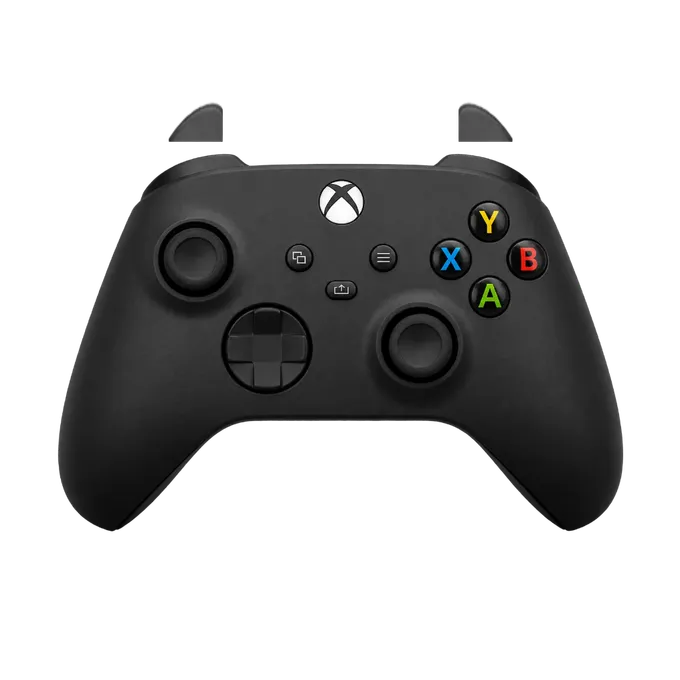
Press any button on your controller
Connect it by USB or Bluetooth first. A browser shows a controller to a page only after a button has been pressed.
The two rumble motors
A browser drives a controller’s rumble through two values, each from 0 to 1. MDN describes them as the intensity of “the low-frequency (strong) rumble motors” and of “the high-frequency (weak) rumble motors”. The buttons on this page set those two values:
- Vibrate for a second: both at full strength.
- Heavy motor: the strong, low-frequency one alone.
- Light motor: the weak, high-frequency one alone.
- Pulse: four short bursts that go heavy, light, heavy, light.
- Stop: ends whatever is running.
How to test controller vibration
Hold the controller loosely in both hands, so you can feel where the vibration comes from.
- Press any button first, so the browser shows the controller to this page.
- Press Heavy motor. You should feel a deep rumble.
- Press Light motor. The feel should change to a lighter, faster buzz.
- Press Pulse. The two should take turns. If every second beat is missing, one motor is not running.
Which browsers can vibrate a controller
By MDN’s compatibility table, Chrome and Edge can, Safari can from version 16.4, and Firefox cannot. In Firefox the buttons and sticks are still read; only the vibration buttons are replaced by a note. MDN also warns that support “may vary across different combinations of platforms and controllers”, so a pad that vibrates in games may still show the note here.
Keep this tab in front while you test: a browser refuses the request when the page is hidden. And this test drives the standard rumble only, not the DualSense’s adaptive triggers.
If the controller is found but does not vibrate
Check the browser first, then try the other connection: a cable if you are on Bluetooth, or the reverse. Whether a page can reach the motors depends on the browser, the system and the controller together.
To check everything else on the pad, use the gamepad tester, or the stick drift test for the sticks alone.