Controller stick drift test
Connect a controller, press any button, then take your thumbs off the sticks. The two plots show where each stick rests against a 10% deadzone ring and how far it sits from centre.
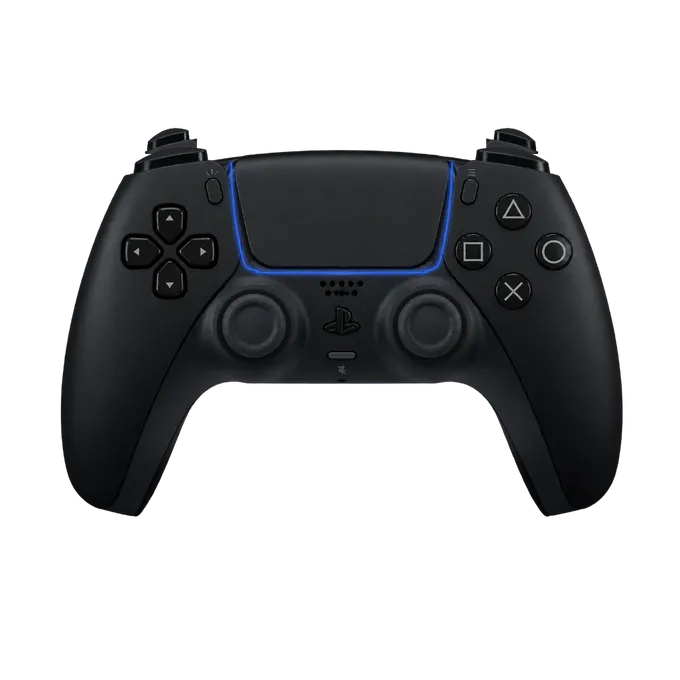
Press any button on your controller
Connect it by USB or Bluetooth first. A browser shows a controller to a page only after a button has been pressed.
What stick drift is
A stick has a spring that returns it to the middle and a sensor that reports where it is. Drift is when the reported position is not the middle although nobody is touching the stick. In a game the camera turns slowly by itself, or your character keeps walking.
The sensor never reports a perfect zero, so software ignores small values around the centre. That ignored area is the deadzone. Drift becomes a problem when the resting position falls outside the deadzone of the game you play.
How to test for stick drift
It takes under a minute.
- Rest. Let go of both sticks and read “Off centre” under each plot. Note the two numbers.
- Flick and release. Push a stick fully up and let it snap back. Do the same down, left and right. After each release, wait a second and read the number again.
- Slow return. Move the stick out and bring it back gently with your thumb, then let go. Worn sticks often stop short of the centre when they are not snapped back.
- Rotate. Turn each stick around its edge a couple of times, until the circularity figure appears.
How to read the result
“Off centre” is the distance of the white dot from the middle, as a share of the stick’s full travel. There is no single pass mark, because the deadzone belongs to the game and not to the controller. As a reference point, ControllerOverlay’s own overlay ignores stick movement under 15%.
Two things matter more than the exact figure. The first is whether the stick comes back to the same place every time: 3% after every release is a healthy stick, while 2%, then 9%, then 5% is a worn one. The second is direction. A stick that always rests towards one side has a tired spring or a worn sensor track on that side.
The circularity error tells you about the edge, not the centre. If the orange shape falls short of the ring on one side, the stick cannot reach full deflection there, and you will run or turn more slowly in that direction.
If your stick drifts
This test tells you whether a stick drifts and by how much. It cannot tell you why. If the numbers are bad, check whether the game or the console has a deadzone setting you can raise past the resting value; that hides the drift without fixing it. A stick that has started to drift usually gets worse, so if the controller is under warranty, the readings on this page are worth a screenshot for the support request.
To check the rest of the pad, the gamepad tester explains every reading, and there are pages for the PS5, PS4 and Xbox controllers.